New dashboard layout
We continously work on improving the usability of DynaMaker. After collaborating with new and existing users, we're now ready to release an update to the DynaMaker dashboard to make it easier to use.
Updated navigation with left sidebar
A more modern layout for easier navigation and better use of screen space.
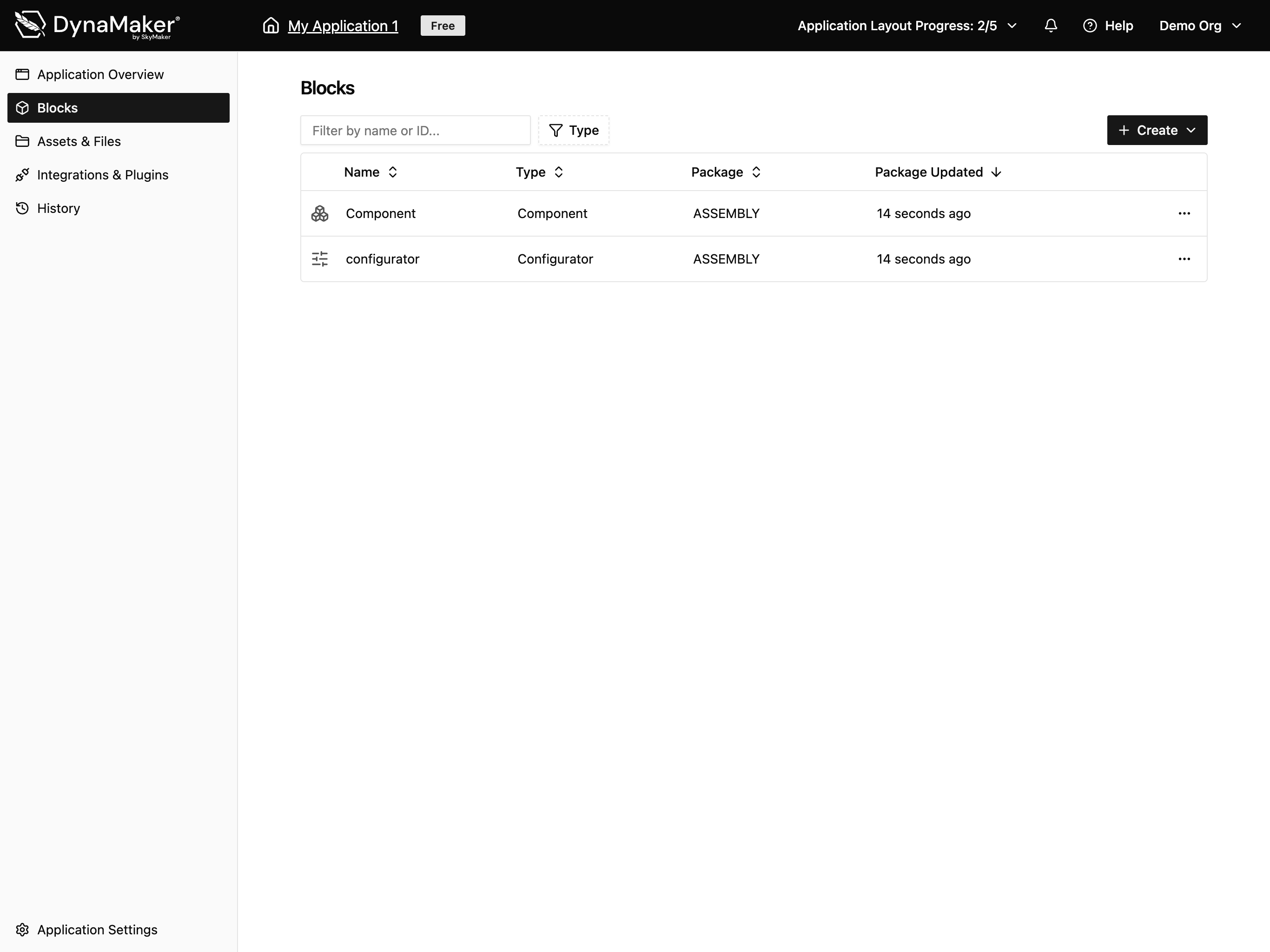
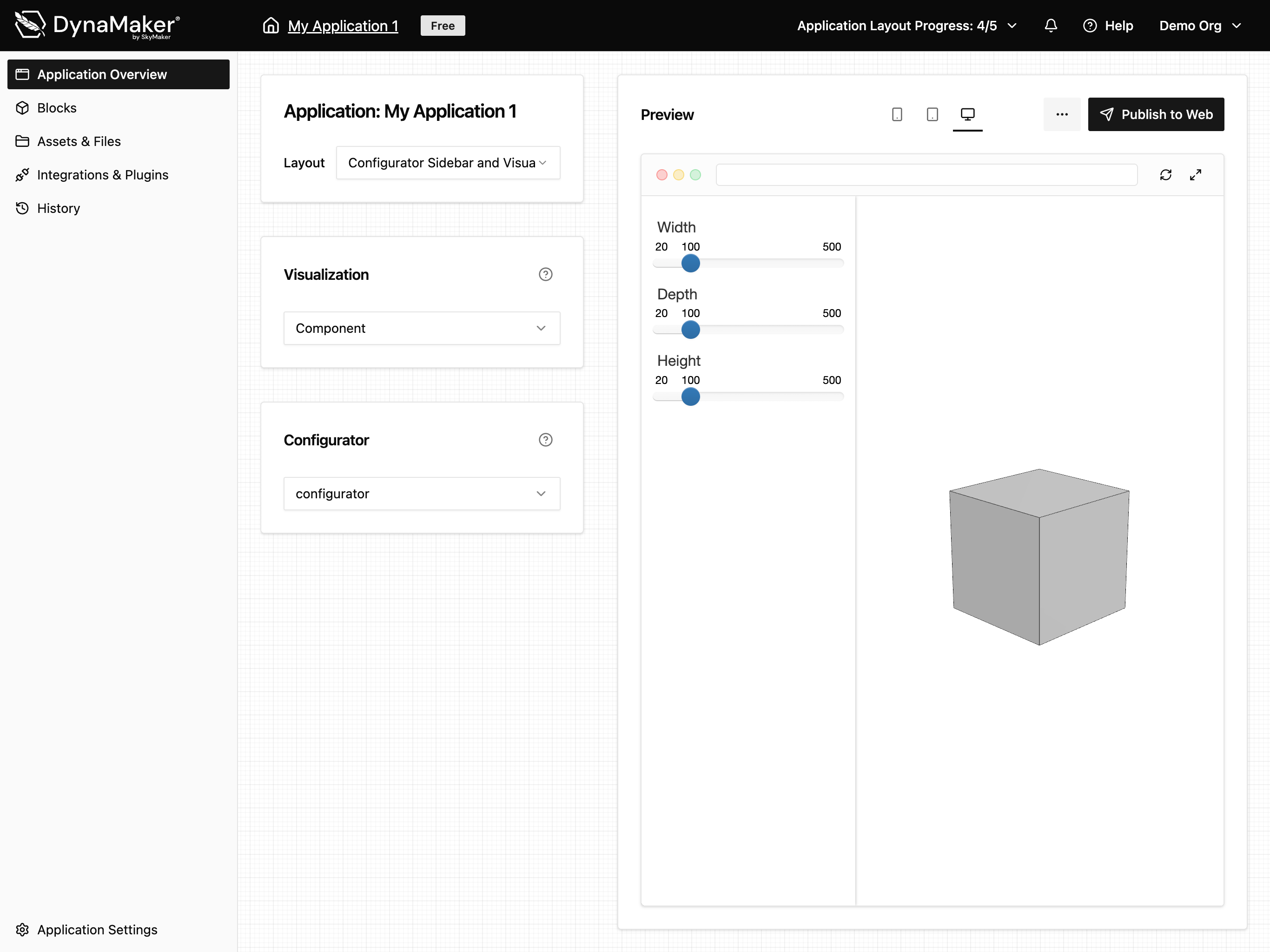
Application overview page
A new overview page with application layout options and preview.
Blocks and packages
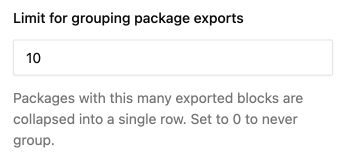
Code blocks such as functions, classes (components), constants etc. are now called "blocks". Blocks are then grouped into packages. In the blocks list, you can sort and filter and there is also a user setting where you can adjust the limit at where packages are collapsed in the list.
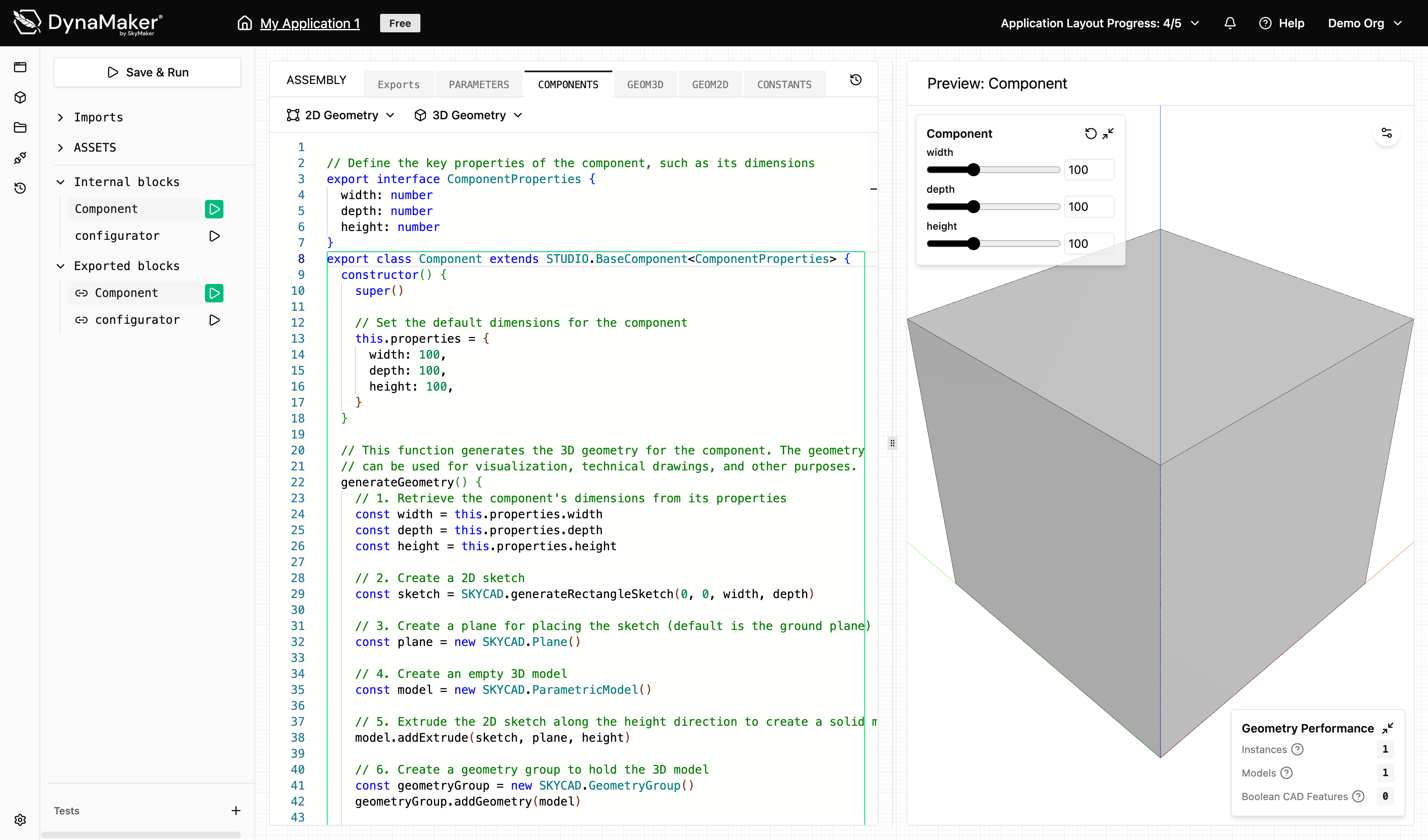
Editor
Switch between code files from the tabs at the top of the editor and browse and run blocks using the left sidebar.
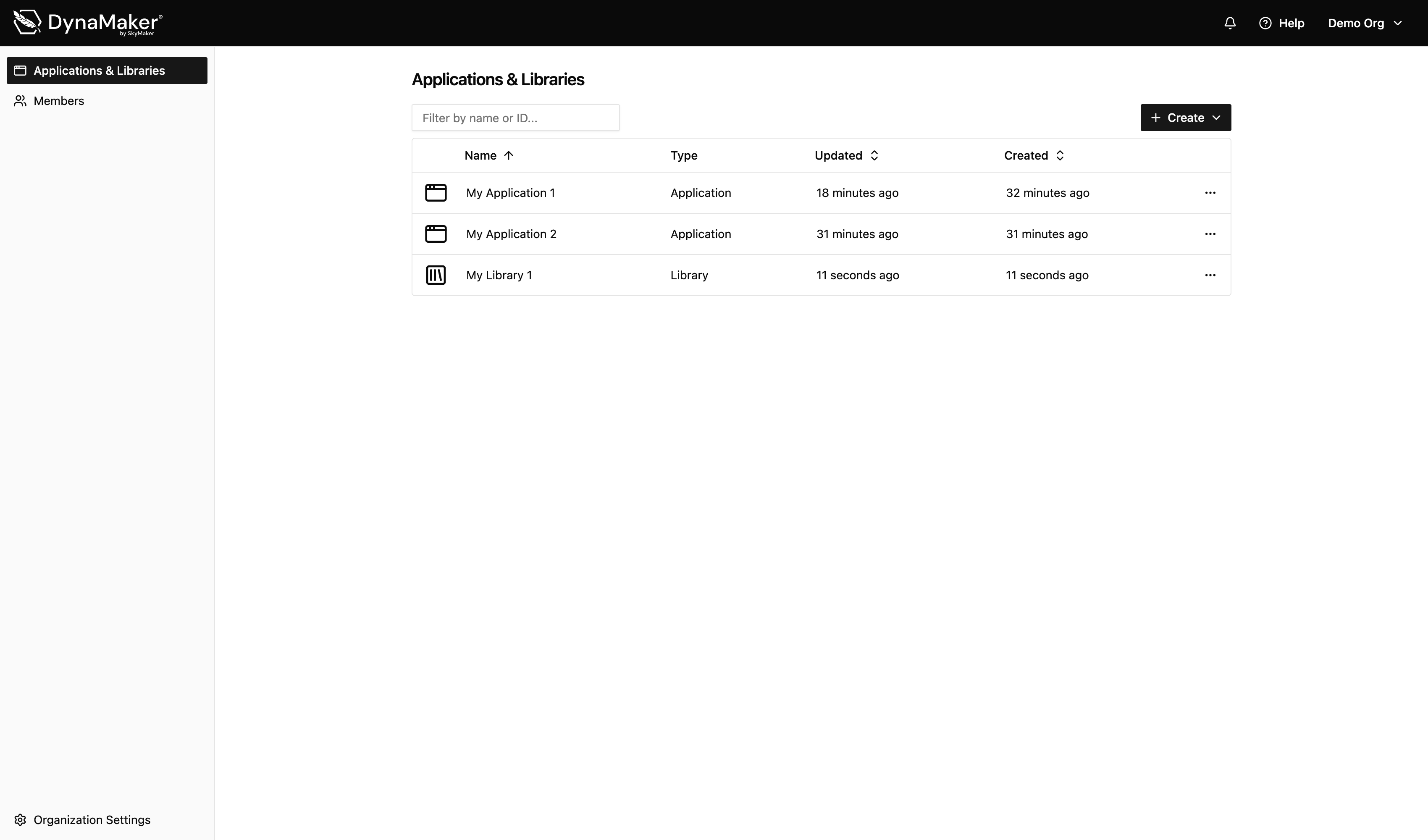
Applications and Libraries
You can now find all your applications and libraries in the same list.
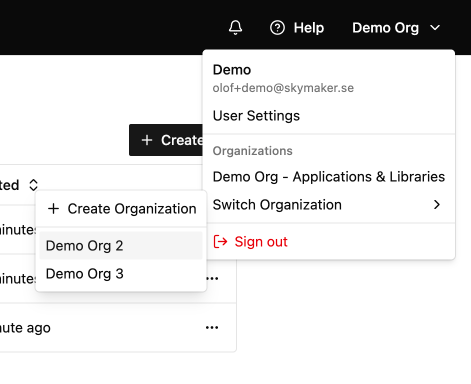
Switch organization
You can switch organization from the top right menu.
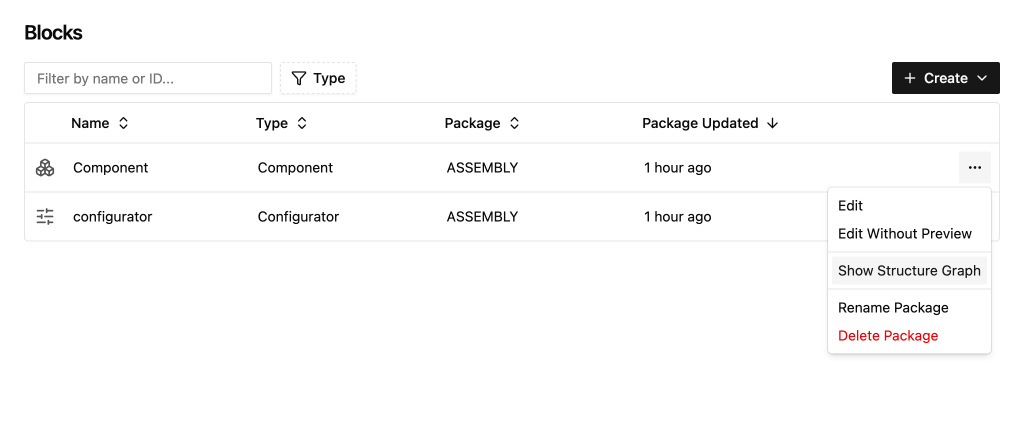
Structure Graph
Can now be found in the row menu on the blocks page.
Feedback and questions
If you have any feedback or questions, please don't hesitate to reach out to us at support@dynamaker.com.